Technical SEO for Beginners: The Fixes That Actually Matter
A plain-English technical SEO guide that shows site owners what to fix first and what can wait.
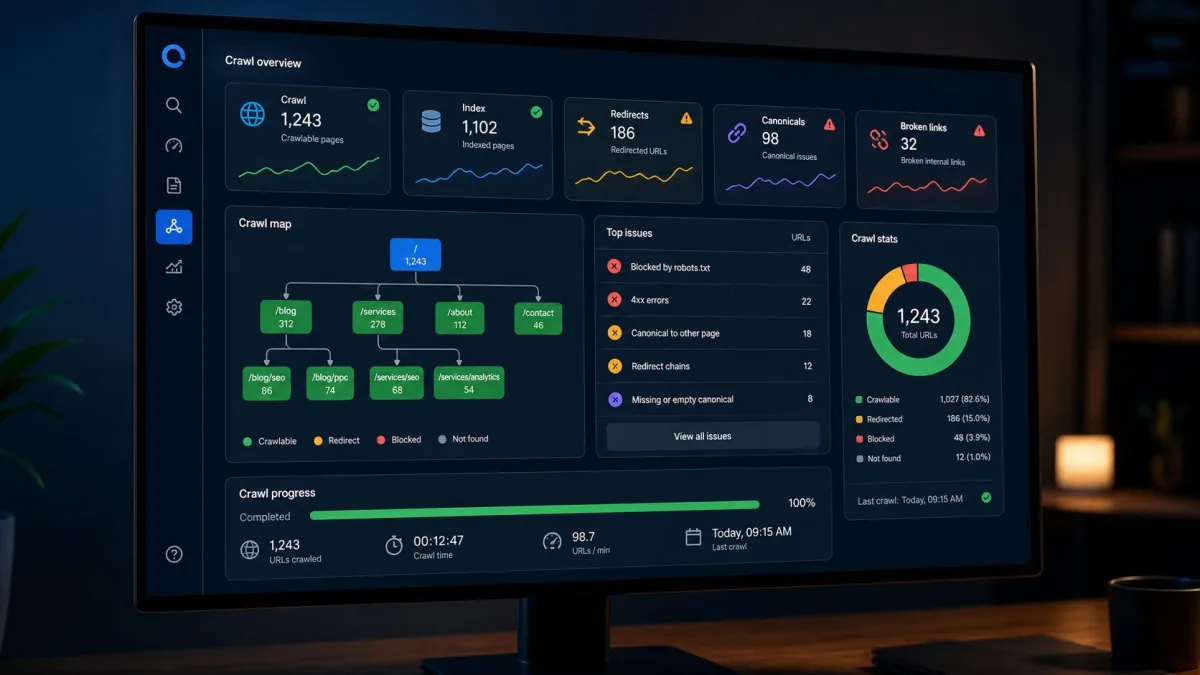
Technical SEO for beginners means making sure search engines can find, crawl, understand, index, and load your important pages. You do not need to become a developer to handle the basics. You need to know which technical problems block SEO and which warnings can wait.
Technical SEO gets intimidating because audit tools can produce hundreds of issues. Some are serious. Some are nice-to-have. Some are irrelevant for a small site. The goal is not to make a tool happy. The goal is to remove barriers between your useful pages and search visibility.
This guide explains the practical version: what to check, why it matters, and what to fix first.
Table of contents
- What is technical SEO?
- Can search engines crawl your important pages?
- Can your pages be indexed?
- Is your site structure clear?
- Are speed and mobile usability good enough?
- Are duplicate signals confusing Google?
- What should beginners fix first?
- What monthly technical SEO routine is enough?
- FAQ
What is technical SEO?
Technical SEO is the part of SEO that deals with how your website is built and delivered. It covers crawling, indexing, status codes, redirects, canonicals, sitemaps, page speed, mobile usability, structured data, and other signals that help search engines process your site.
The simple version is this: good content cannot rank if Google cannot access it, understand it, or show it comfortably to users. Technical SEO makes sure the road is clear.
It is not a replacement for useful content. A technically perfect page with weak information will still struggle. But a strong page with serious technical blockers may never get a fair chance.
Beginners should not start with advanced edge cases. Start with the basics that affect important pages. If a problem only affects a low-value archive page, it can probably wait. If it affects your homepage, service pages, product pages, or best guides, treat it seriously.
Can search engines crawl your important pages?
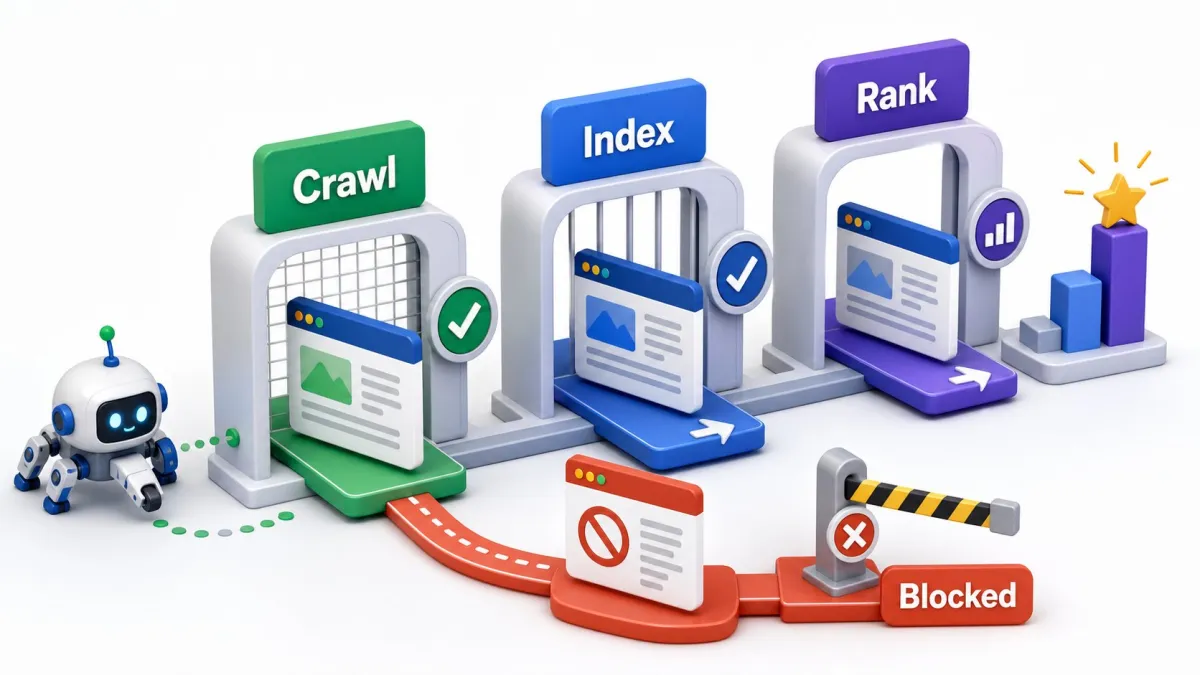
Crawling is how search engines discover and fetch pages. If a crawler cannot reach a page, the page has little chance of ranking. Check that important URLs return a normal 200 status code, are linked from the site, and are not hidden behind forms or scripts.
Robots.txt is one common blocker. This file can tell search engines not to crawl certain paths. That is useful for some areas, but dangerous if it blocks pages you want in search.
Broken internal links are another crawl problem. If your navigation or older articles link to dead URLs, search engines and visitors hit dead ends. Fix the link, restore the page, or redirect to the most relevant replacement.
Use a crawl tool or SerpCue's SEO audit tool to collect status codes, broken links, missing titles, image issues, and other crawl problems. Then filter by importance. A broken link on an important path matters more than a warning on an old tag page.
Can your pages be indexed?
Indexing means Google is allowed and willing to store the page as a search result candidate. A page can be crawlable but still not indexable. The most common reasons are noindex tags, canonical tags pointing elsewhere, duplicate content, redirects, thin content, or quality signals that make Google choose not to index it.
Use Google Search Console URL Inspection for specific pages. It can show whether the page is indexed, whether indexing is allowed, and what canonical Google selected.
Be careful with canonical tags. A canonical tag tells search engines which version of a page should be treated as the main one. If an important page accidentally canonicalizes to another URL, it may not rank on its own.
Not every page should be indexed. Login pages, search results, filtered duplicates, cart pages, and thin utility pages can stay out. The question is whether important content is being excluded by mistake.
Is your site structure clear?
Technical SEO is also about structure. Search engines learn from how pages connect. Your homepage, navigation, category pages, service pages, and internal links all communicate hierarchy.
A clear structure helps users too. If someone lands on a blog post, they should be able to find the related service, tool, or next guide. If someone lands on a service page, they should see supporting proof, FAQs, and relevant internal links.
A sitemap helps discovery, but internal links show importance. Do not rely only on a sitemap for key pages. Link them from relevant pages with descriptive anchors.
If you have several articles about similar topics, make sure each one has a distinct job. Duplicate or overlapping pages can confuse search engines and split signals.
Are speed and mobile usability good enough?
Speed matters most when slow loading hurts the user experience. Beginners should focus on obvious problems first: oversized images, slow fonts, heavy scripts, layout shifts, and pages that are hard to use on a phone.
The largest contentful paint is often an image, especially on blog posts and landing pages. Compress it, use modern formats like WebP, set width and height attributes, and avoid lazy-loading the main above-the-fold image when it is the LCP element.
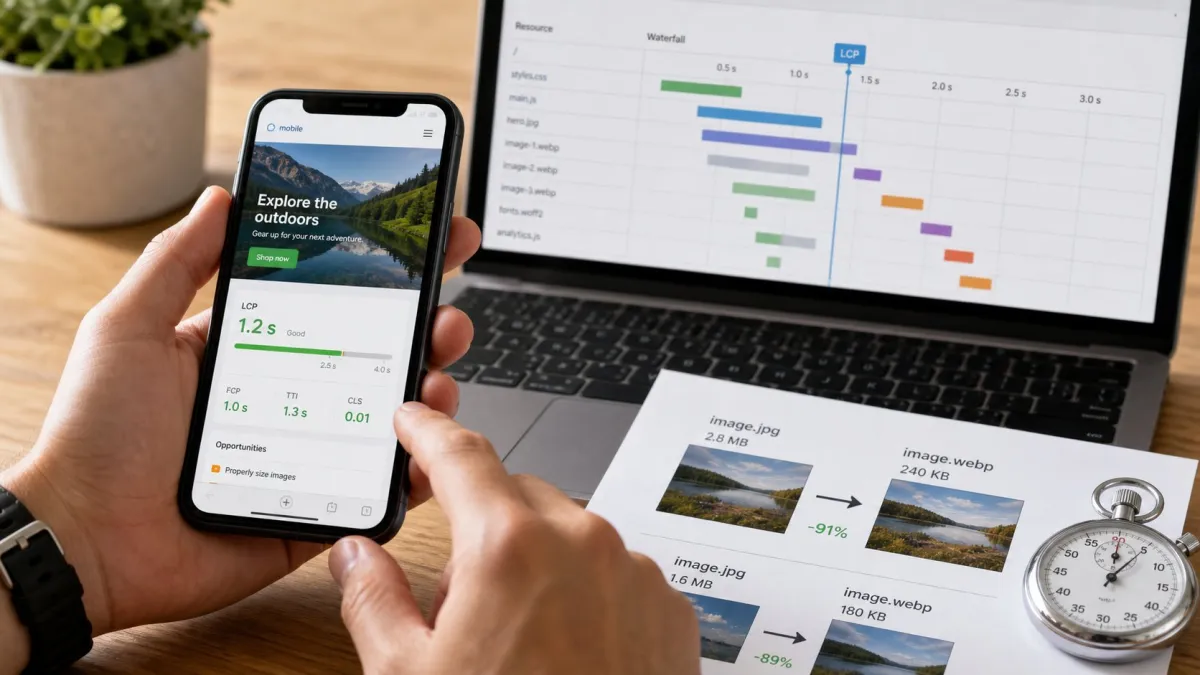
Mobile usability is not optional. Many searchers visit from phones, and Google evaluates mobile pages heavily. Text should be readable, buttons should be tappable, navigation should work, and content should not jump around while loading.
If you need a plain-English explanation of the speed metrics, read Core Web Vitals explained. Do not chase perfect lab scores before fixing pages that are blocked, broken, or unhelpful.
Are duplicate signals confusing Google?
Duplicate signals happen when several URLs show the same or very similar content. This can happen with HTTP and HTTPS versions, trailing slashes, parameters, print pages, category archives, tags, and filtered pages.
Google can often choose a version, but you should not make the choice harder than necessary. Use redirects, canonicals, and internal links consistently. Link to the preferred URL. Keep your sitemap clean.
Duplicate titles and meta descriptions are also useful warnings. They do not always cause disaster, but they often reveal pages that are too similar or templates that need better page-specific information.
For small sites, the fix is usually straightforward: consolidate overlapping pages, redirect outdated versions, use canonical tags correctly, and make important pages distinct.
What should beginners fix first?
Fix technical SEO in this order: blockers, errors, duplicates, speed, structured data, polish. Blockers include noindex mistakes, robots blocks, server errors, and bad canonicals on important pages. Errors include broken internal links, redirect chains, and missing pages with important links.
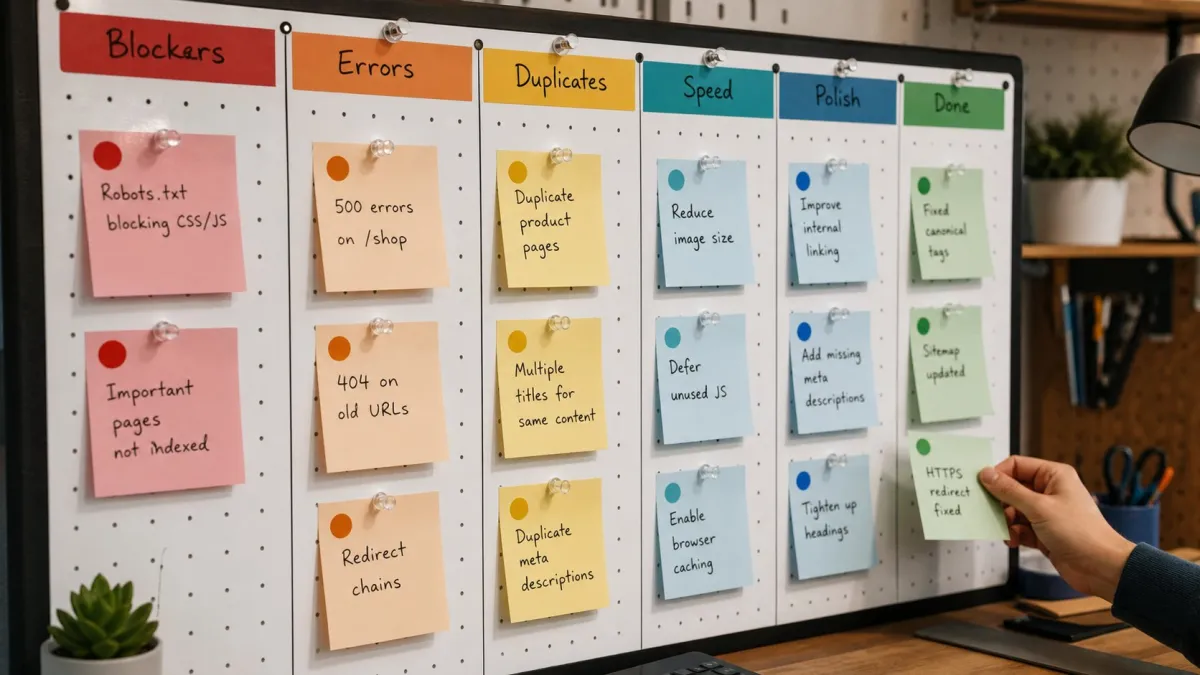
Then fix duplicate signals that affect important content. After that, improve mobile and speed issues that hurt real visitors. Structured data is useful, but it should not come before indexability. A page that cannot be indexed does not need FAQ schema first.
Finally, clean up lower-priority warnings. Missing alt text on decorative images, slightly long titles on unimportant pages, and archive-page issues can wait while you fix the pages that drive leads, sales, or signups.
Technical SEO for beginners becomes manageable when you stop asking ???how do I fix every warning???? and start asking ???which issue blocks an important page from performing???? That is the question worth answering.
What monthly technical SEO routine is enough?
For most small sites, a monthly technical SEO routine is enough. Crawl the site. Check important pages for 200 status codes, indexability, titles, meta descriptions, H1s, broken internal links, canonical tags, image weight, and mobile layout. Then compare the findings with business value.
Do not let the audit become a spreadsheet museum. Every issue should have a decision: fix now, schedule later, ignore, or investigate. A missing meta description on a service page is a fix. A duplicate archive title on a page you do not want indexed may be a cleanup task for later.
After larger website changes, run the same checks immediately. Theme updates, plugin changes, migrations, redesigns, and new templates can accidentally change indexability, headings, canonical tags, image markup, or redirects. Technical SEO is partly maintenance: boring checks that prevent expensive surprises.
Keep a short changelog. If organic traffic drops later, knowing when redirects changed, when a template shipped, or when a noindex setting was edited can save hours of guessing.
Here is a realistic example. A small WordPress site launches a new design and traffic slips two weeks later. The owner assumes the content is worse, but the real issue is a template change that removed several internal links and replaced compressed images with large originals. The fix is not a new blog strategy. The fix is restoring the crawl paths, compressing the heavy images, and checking whether important pages were recrawled.
That is why beginners should connect technical work to symptoms. If rankings dropped after a migration, check redirects, canonicals, noindex settings, and changed internal links. If pages are discovered but not indexed, check content quality and duplication. If mobile conversions fell, check layout and speed. Technical SEO is easier when every check has a reason.
FAQ
What is technical SEO in simple terms?
Technical SEO is the work that helps search engines find, crawl, understand, index, and load your website correctly.
Do I need a developer for technical SEO?
Sometimes, but not always. Site owners can identify many issues themselves. A developer may be needed for templates, server errors, speed improvements, and complex redirects.
What technical SEO issue should I fix first?
Fix anything that blocks important pages from crawling or indexing. After that, fix broken paths, bad canonicals, duplicate signals, speed, and mobile usability.


